
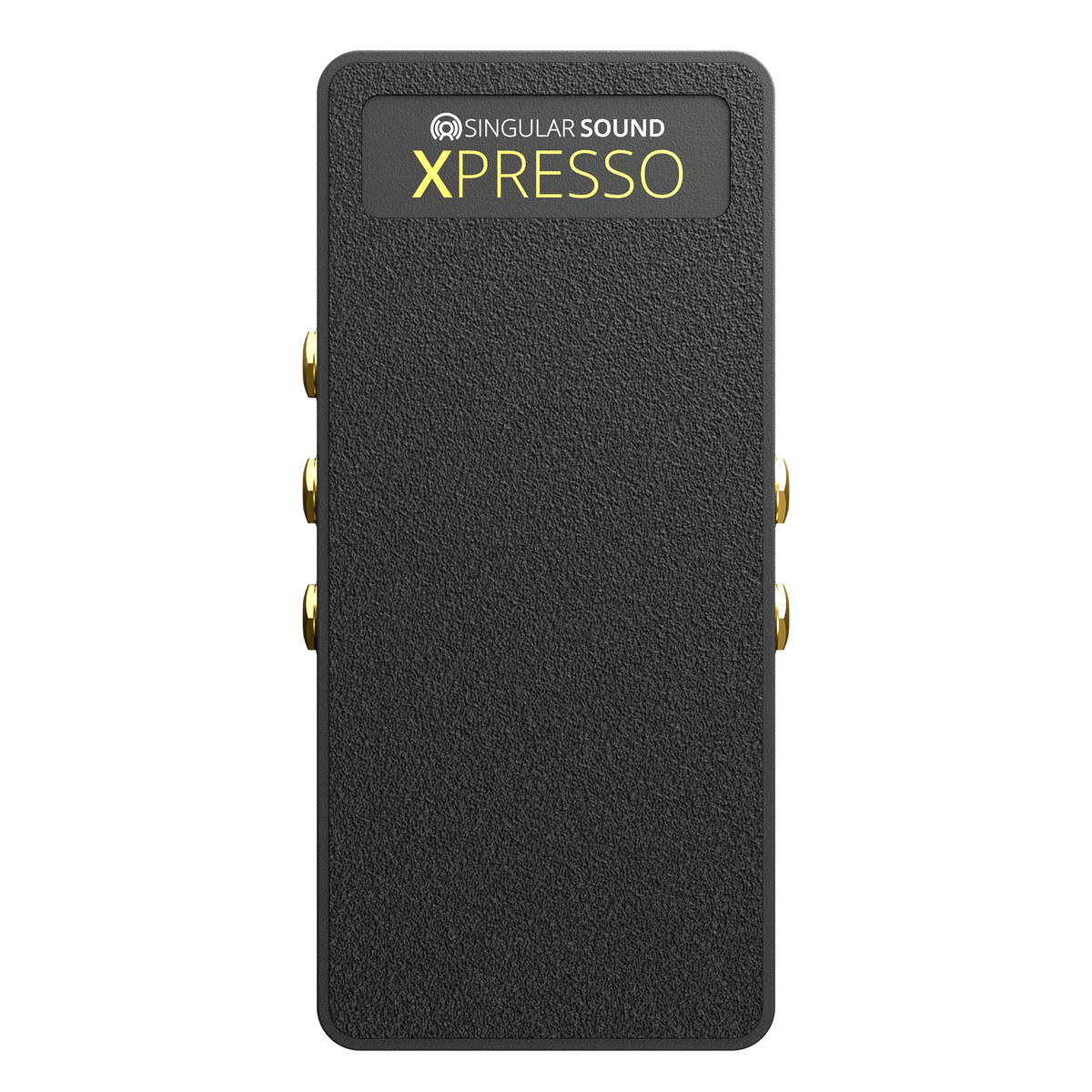
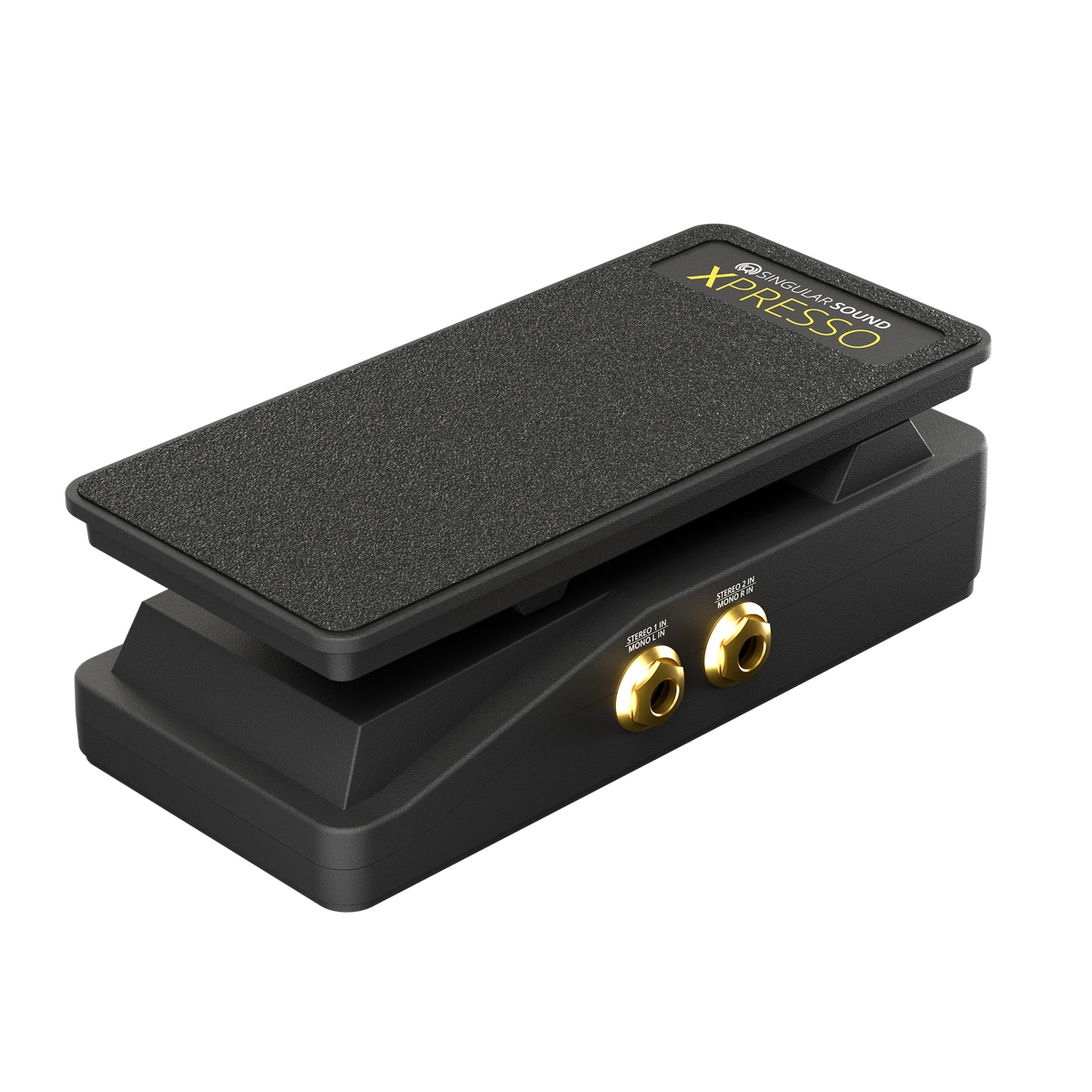
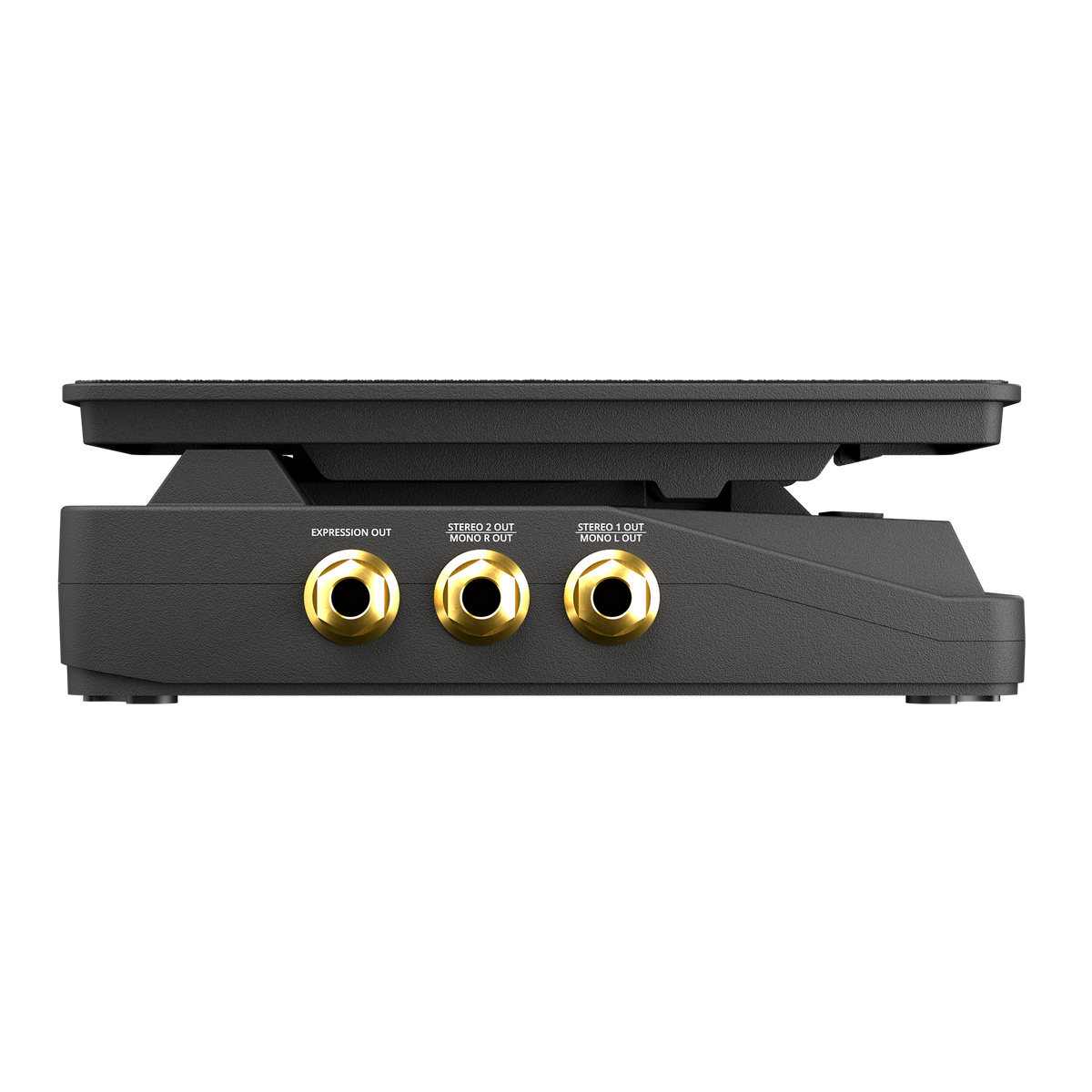
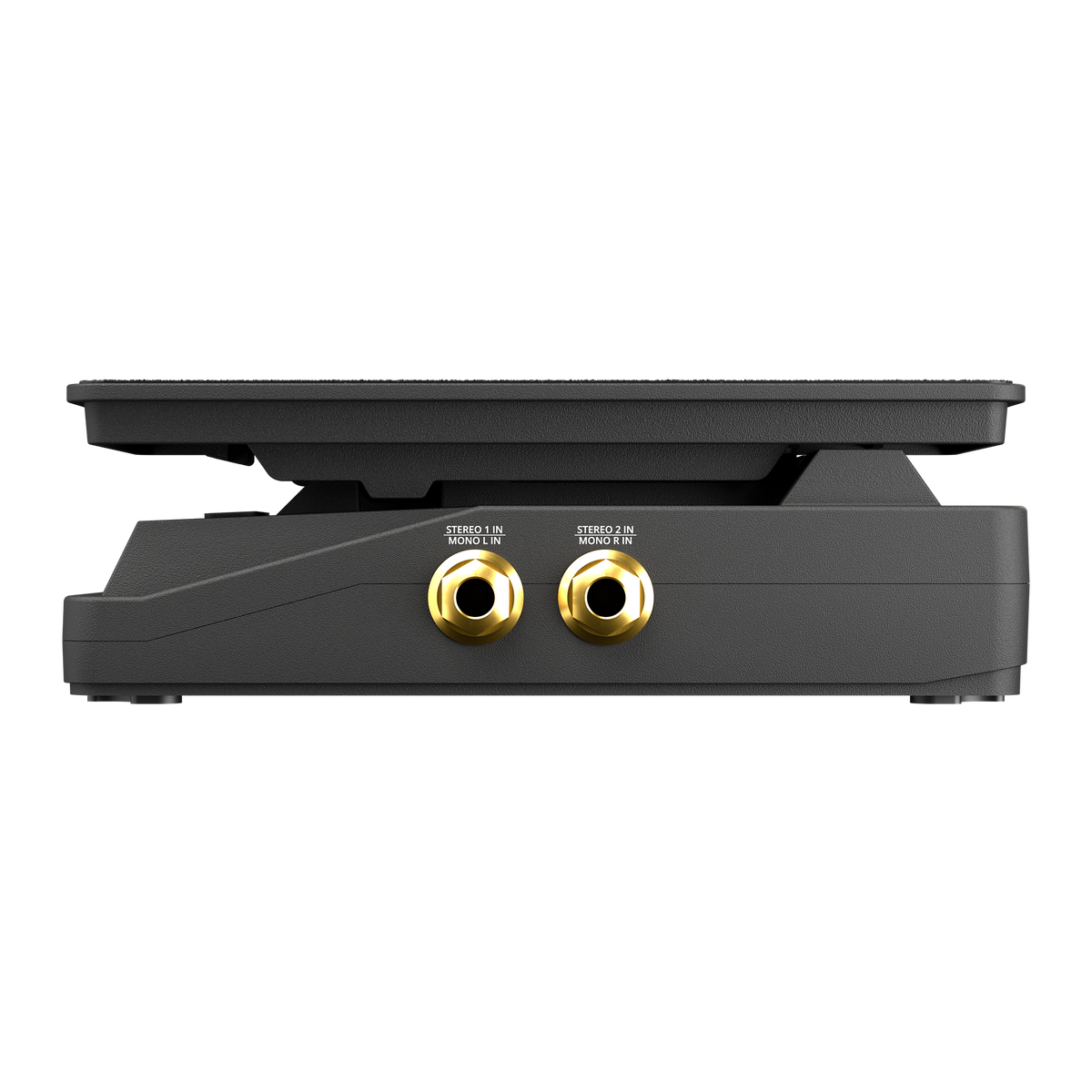
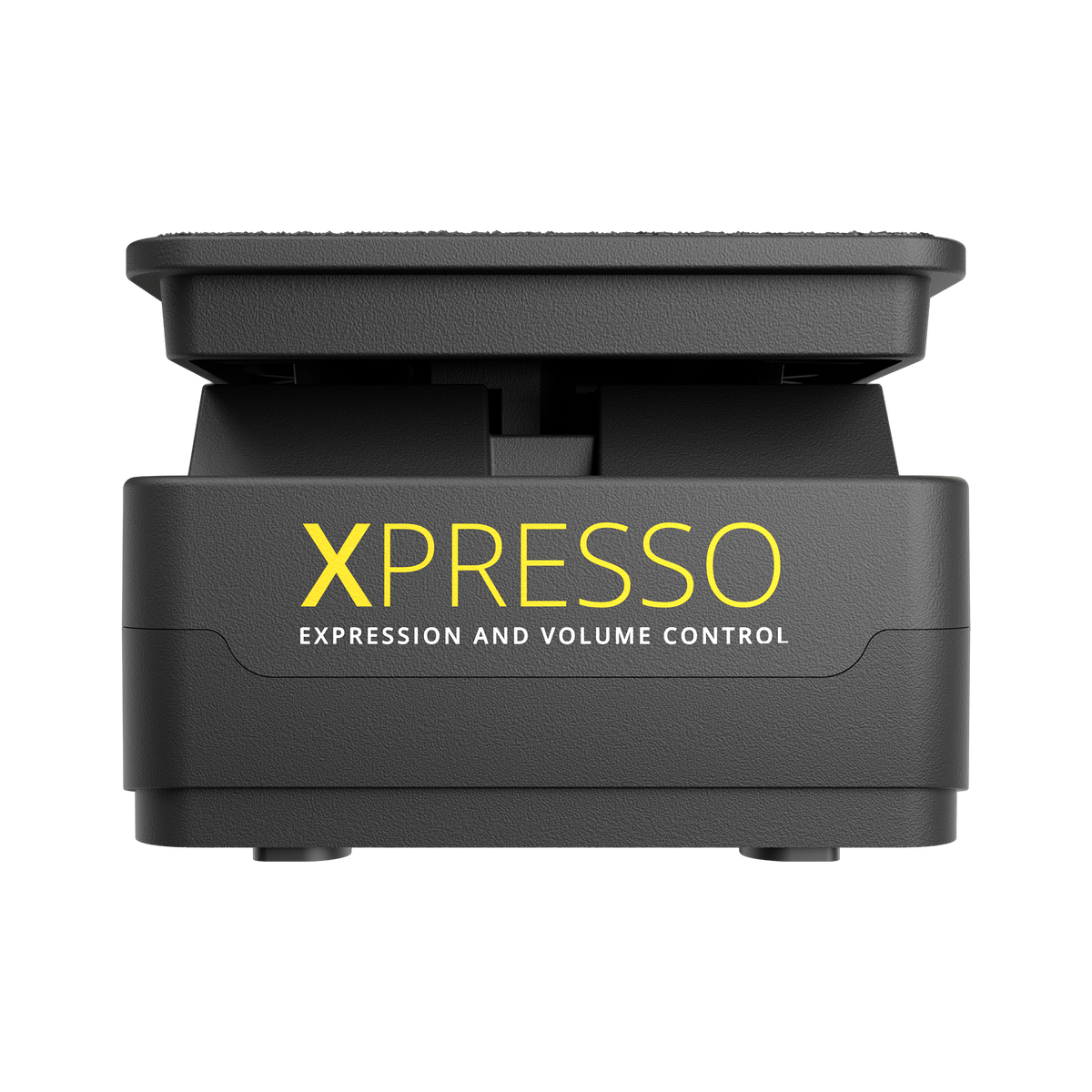



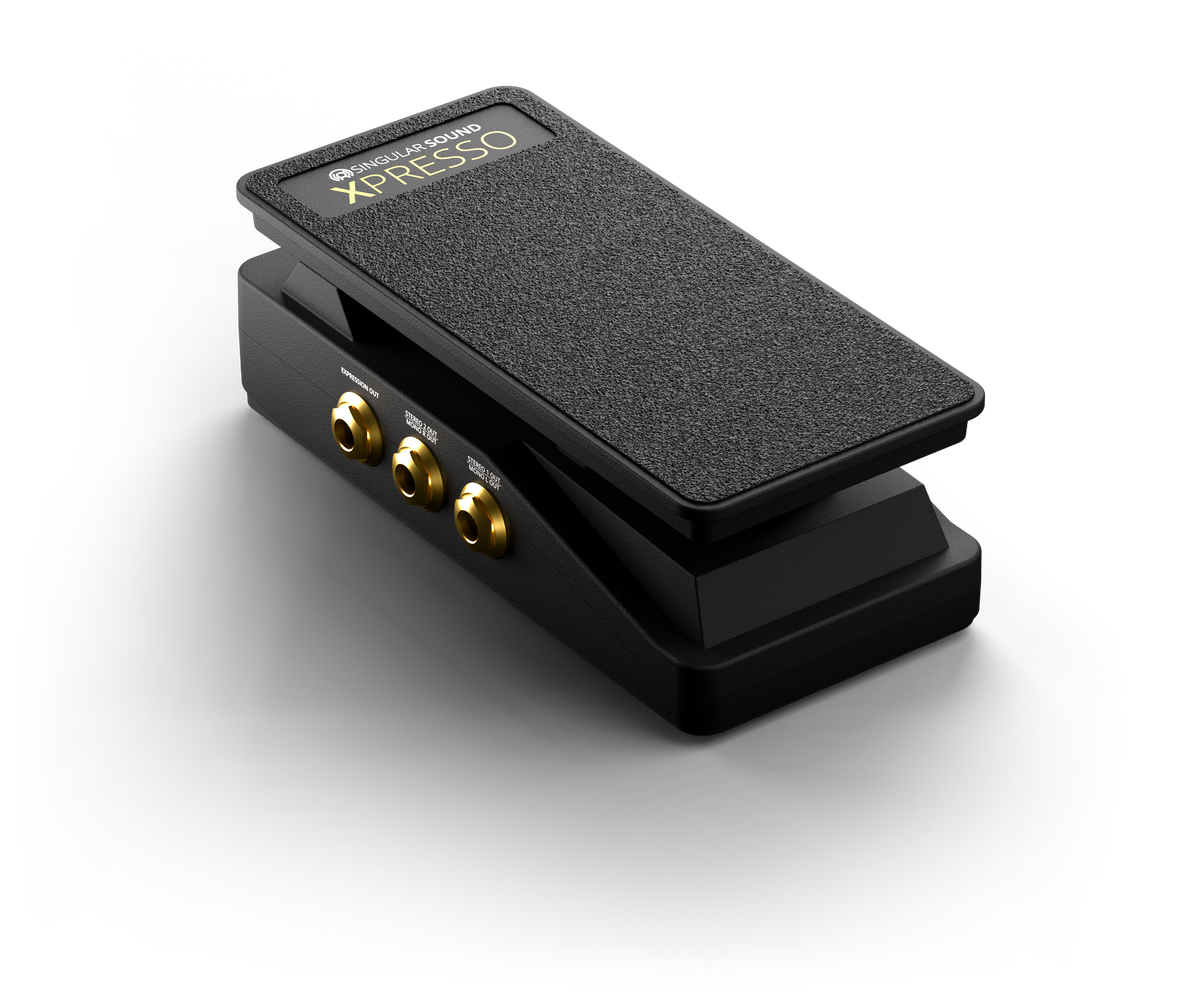
Say hello to Xpresso, the hands-free expression pedal that turns the tilt of your foot into real-time parameter control. Shape your sound with 2 true-stereo audio inputs and outputs plus an EXP out port. With smooth response and durable construction, Xpresso is built to take your performance to the next level.
Pair it with BeatBuddy 2 to control tempo, velocity, and volume, or with Aeros to adjust track levels and loop decay. Works with any EXP-compatible device
Buy It With

A Fresh Shot of Expression
Meet Xpresso




Play with Feeling
A footswitch just turns things on or off. Xpresso covers everything in between, so changes happen smoothly instead of all at once.
Ride tempo, volume, and velocity on BeatBuddy 2 without breaking the moment. Rock the pedal forward and the drums hit harder. Ease back for a softer touch.
On Aeros, shape master and individual track levels, input level, and loop decay. Every layer and parameter sits right under your foot.
Stay in Control
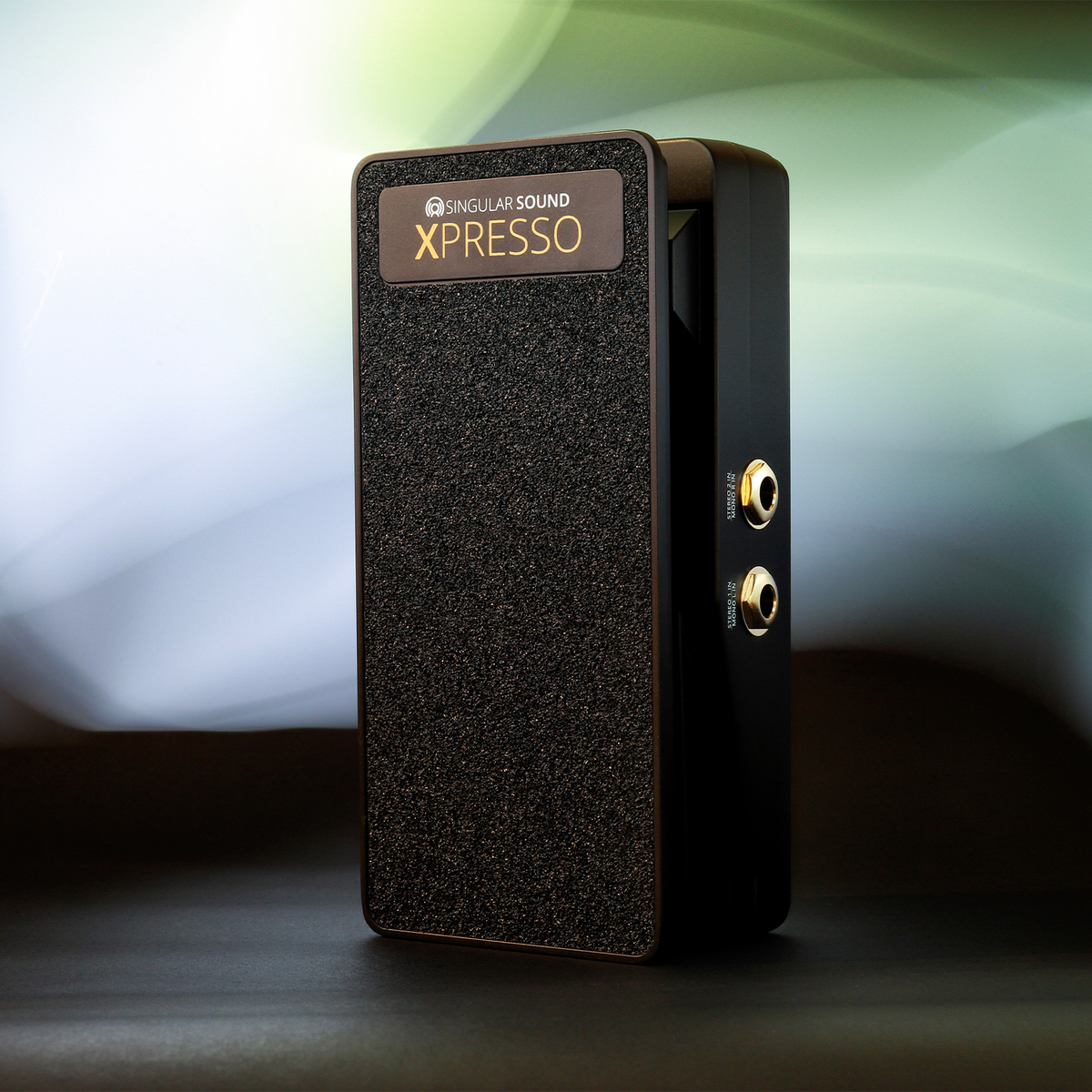
Xpresso's two stereo audio inputs and outputs let you control the volume of anything you run through it, and its dedicated EXP output works with any expression-compatible gear. Assign it to the setting you reach for most and adjust it as you play.
No power needed. Just plug in and play. Its all-metal, lightweight construction can handle your heaviest jams, and it's backed by a 2-year warranty.
Three Ways to Connect


Pair It With
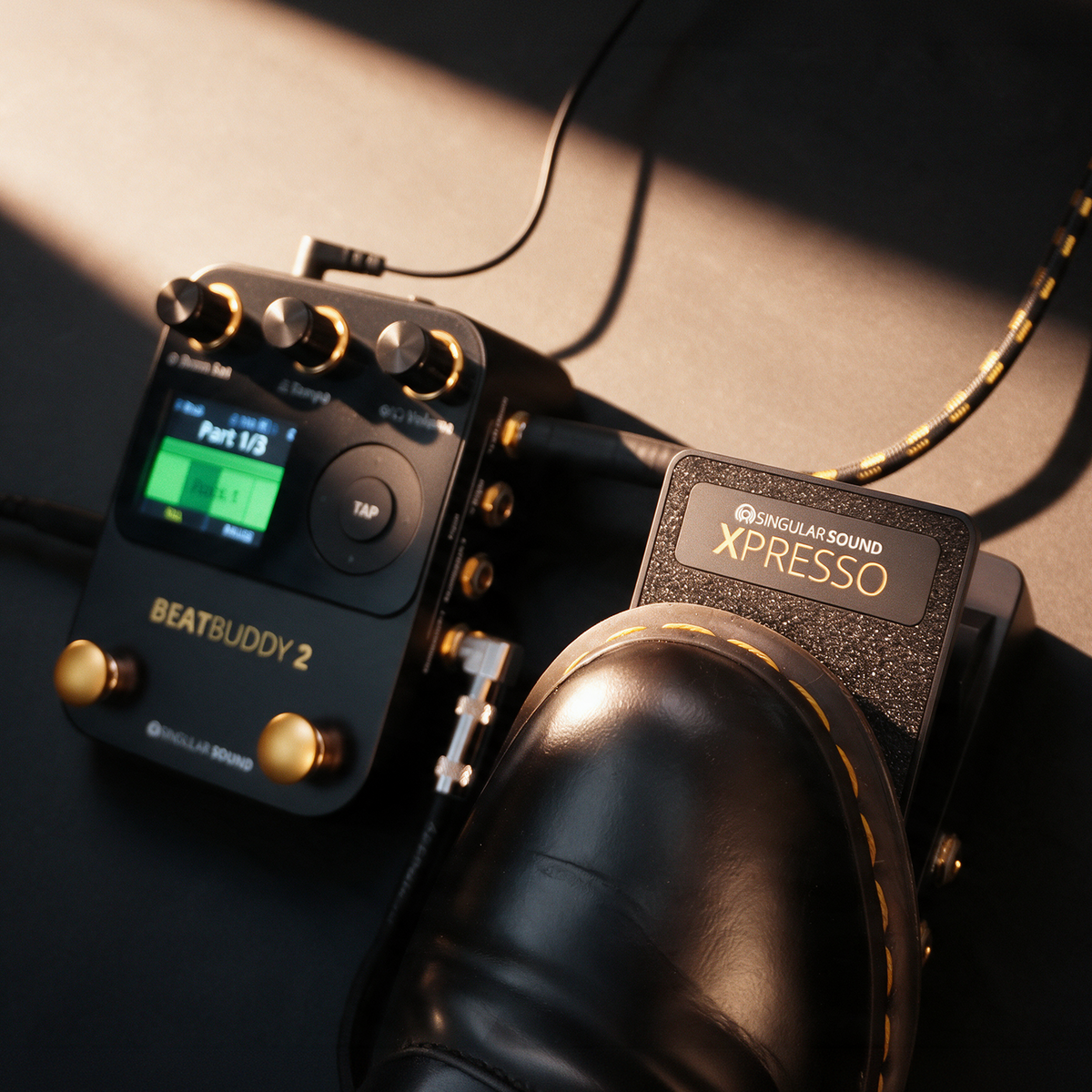
BeatBuddy 2
Plug Xpresso into MultiSwitch 2 to control tempo, volume, or how hard the drums hit while you play.
BeatBuddy2 is a guitar pedal drum machine, with ultra-realistic HD drum sets recorded by real drummers.
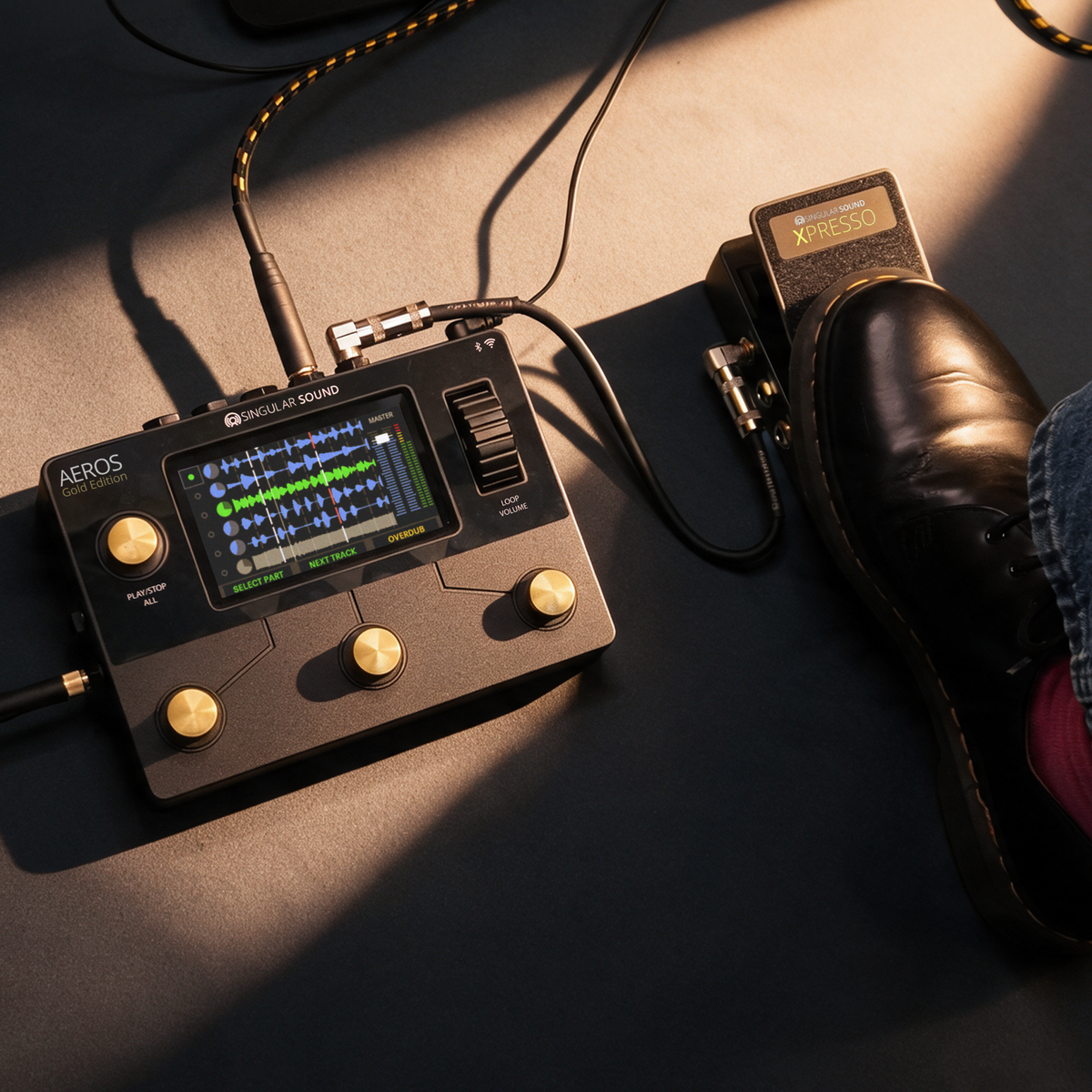
Aeros Loop Studio
Aeros detects Xpresso automatically, so you can adjust master volume, track levels, or loop decay by foot.
Aeros Loop Studio is a looper than enables you to write complete songs live with six song parts, six stereo tracks, and a touchscreen.
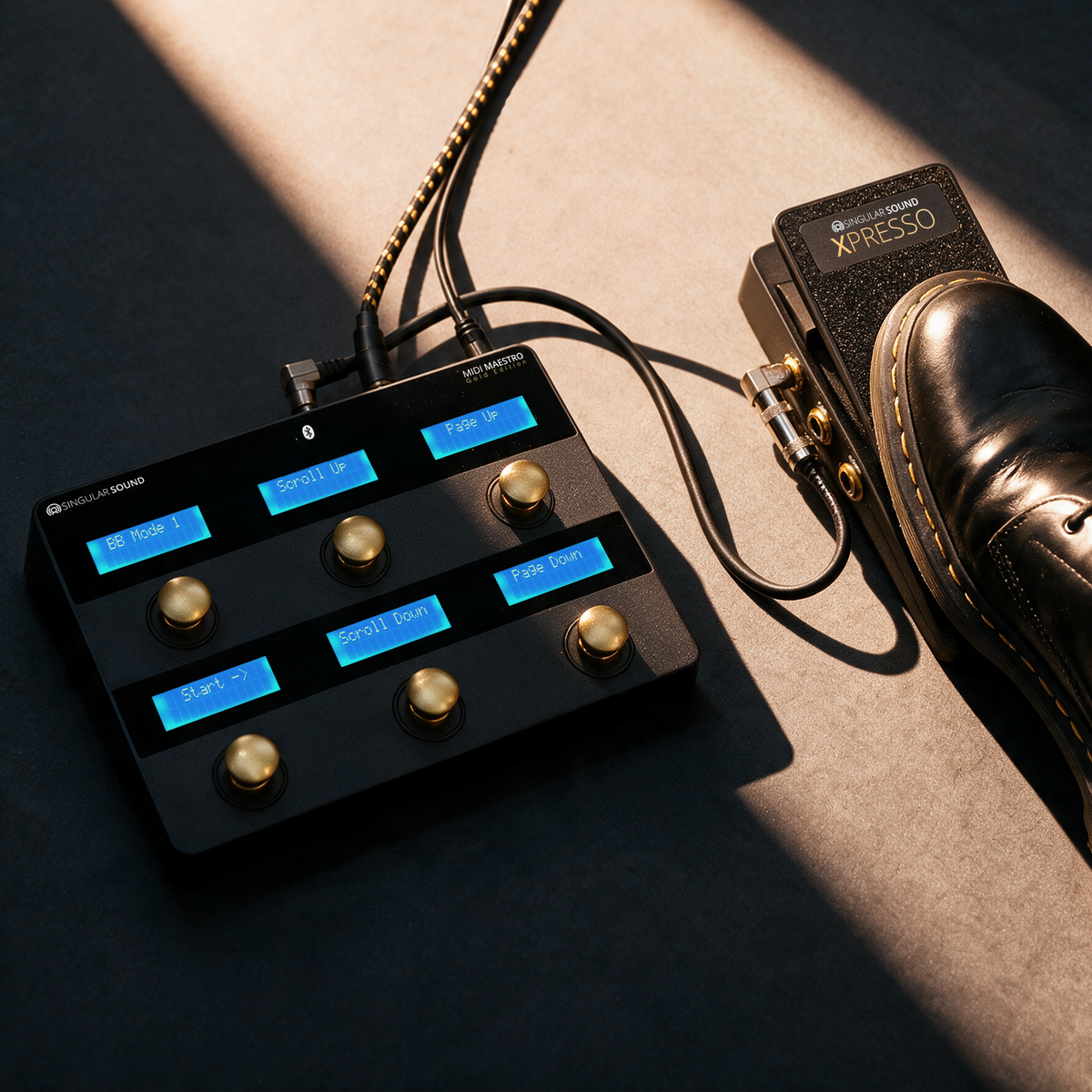
MIDI Maestro
Connect Xpresso to the MIDI Maestro's expression input to send custom MIDI commands to the rest of your rig.
MIDI Maestro is a compact MIDI foot controller with built-in screens and dedicated modes for BeatBuddy and Aeros. Download the official companion app today for Android and iOS.
Tech Specs
All-metal aluminum
Passive, no power supply needed
2 stereo inputs and 2 stereo outputs (TRS)
1 × TRS
10kΩ
(W × D × H): 3.27 × 6.38 × 2.13 in (8.3 × 16.2 × 5.4 cm)
1.12 lb (508 g)
BeatBuddy 2, Aeros Loop Studio, MIDI Maestro, and any device that supports expression input
Xpresso, TRS cable
2-year limited warranty
FAQ
Does Xpresso need power?
No, Xpresso is passive, so there's no power supply to plug in.
Which BeatBuddy 2 port do I use?
MultiSwitch 2 is set to expression by default. MultiSwitch 1 can also be set to expression.
Do I need to change any settings on Aeros?
No, Aeros detects whether a SuperSwitch or an Xpresso is connected. Just calibrate Xpresso once in Settings.
Can I use stereo and mono sources?
Yes, Xpresso can control the volume of up to two stereo sources, like the BeatBuddy 2 headphone output. It can also control two mono sources, or the left and right channels of one stereo device, like the BeatBuddy 2 main outputs.
Will it work with pedals from other brands?
Yes, Xpresso works with any gear that has an expression input.
What does the Xpresso add to the BeatBuddy 2?
Xpresso lets you control BeatBuddy 2’s tempo, volume, or dynamic control (velocity offset) with your foot. We recommend Dynamic Control, which offsets the velocity of hits within a custom range of velocity values, so the whole kit hits harder or softer as you move the pedal. You can set a minimum and maximum velocity in the Dynamic Control gear menu to keep the drums in a custom range.
To set it up, plug the Xpresso expression port into the Multiswitch 2 port, which is set to EXP by default. Multiswitch 1 can also be set to expression. (Press right on the D-pad to highlight the gear menu icon. Then, press TAP to open the gear menu, and set your EXP behavior.)
You can also run BeatBuddy 2’s audio through the Xpresso to control its analog volume directly: Use either the BeatBuddy 2 headphone outs or L/R main outs, remember the Xpresso can accept either Stereo (TRS cable) or Mono (TS cable) signals. This applies to any audio signal that passes through the Xpresso.
What does the Xpresso add to the Aeros?
Xpresso gives you hands-free control over your Aeros mix and various volume controls. The Aeros automatically detects whether a SuperSwitch or an expression pedal is plugged in to the EXP IN port! Calibrate the Xpresso in the Accessory sub-menu of the Aeros’ Device Settings. By default, EXP controls the master volume on the song screen.
In Settings, you can also assign it to other parameters, including individual track levels, input level, and loop decay rate.
With Loop Decay turned on, each pass of an overdubbing loop plays back a little quieter, so older overdubs fade as you add new ones. Assign the Xpresso to the decay rate to control how quickly old layers fade while you overdub.
What does the Xpresso add to the MIDI Maestro
Plug the Xpresso into the MIDI Maestro’s EXP input to send custom MIDI commands with your foot. Use it to control effects and other MIDI gear on your board, hands-free.
What sets the Xpresso apart from other expression pedals?
The Xpresso works as both an expression pedal and a dual-stereo volume pedal. Its EXP out controls the BeatBuddy 2, the Aeros, the MIDI Maestro, or any EXP-compatible device. Its dual (2) true-stereo audio inputs and outputs control the analog volume of anything you run through it, as dual stereo sources or as mono/stereo for independent left and right channels. It’s designed to work with BeatBuddy 2 and Aeros right out of the box, needs no wall-wart power, has an all-metal build, and comes with a 2-year warranty.